Bundles on Vinted: discounts that do not eat your profit
Bundles help you sell several items in one parcel. The discount you give on them comes out of your money, though. Here is how bundles work, with Vinted's own rules.
A bundle is several of your items bought together in one order and sent in one parcel. The buyer pays the shipping and the Buyer Protection fee on top of the bundle price. The bundle discount is yours to set, and it comes off every item in the bundle, so set it knowing which items have a thin margin.
How a bundle works for the buyer
A bundle is several listings bought together from the same seller. The buyer starts on one of your listings or on your profile, presses Create bundle and adds the items they want. The price updates as they add or remove items.
When the bundle is ready, the buyer can buy it straight away, ask you a question or make an offer. At checkout, the Buyer Protection fee and the shipping fee are added on top of the bundle price.
A bundle can hold up to 100 items. Heavy or bulky items, items with custom shipping and items with local pickup cannot go in a bundle. Those are bought one at a time. Source: Buying a bundle
What happens on your side when a bundle sells
As soon as the buyer pays, every item in the bundle is marked as sold. You get the shipping instructions and the Vinted shipping label for the order. Vinted picks the package size from the type and number of items.
If the package size changes after the buyer creates the bundle, the buyer sends you a request to approve it. You pick a size that fits, so the buyer can finish the purchase.
A bundle is not the same as a set. A set is one listing with up to 5 items in it, at one price. A bundle is made by the buyer, from your separate listings. Source: Selling multiple items as a set
Everything goes in one package, each item wrapped so it does not move. Vinted allows no more than two electronic devices with batteries in a bundle parcel. Source: Packing an item
How to set up your bundle discount
The bundle discount is a setting on your account, not on each listing. It applies to every buyer who makes a bundle from your items. You choose the percentage for each number of items.
Open Bundle discounts
In the app, go to your profile and choose Bundle discounts. On the website, click your profile icon, then Settings, then Bundle discounts.
Pick a percentage for each number of items
Switch the discount on if needed. Then choose what you give for each number of items in a bundle.
Leave out what you do not want
To give nothing for a certain number of items, pick the dash option for that number. To stop giving any discount, turn off Select discount.
Vinted says that the bigger the discount, the more buyers will want to take more than one item from you. Its UK help page adds that every seller can sell bundles, but only standard sellers can offer a bundle discount. Source: Set up a discount for your closet
Why one percentage can wipe out the profit on a cheap item
The discount is one percentage off the whole bundle. So every item in it loses the same share of its price. On an item where you make 10 EUR, 20% off barely hurts. On an item where you make 50 cents, it turns the sale into a loss.
Here is a bundle of three items with a 20% discount. The cost is what the seller paid for each item.
| Item | Price | Cost | Profit at full price | Profit with 20% off |
|---|---|---|---|---|
| T-shirt | 5.00 EUR | 4.50 EUR | 0.50 EUR | -0.50 EUR |
| Jeans | 15.00 EUR | 5.00 EUR | 10.00 EUR | 7.00 EUR |
| Jacket | 20.00 EUR | 6.00 EUR | 14.00 EUR | 10.00 EUR |
The bundle as a whole still makes 16.50 EUR. But the T-shirt now costs you money. If a buyer bundles only your cheapest items, the whole order can end up at zero or below.
How to choose a discount that keeps your margin
- Start from your lowest-margin item. Work out how much of a discount it can take before it stops making money.
- Keep the discount for two items small. The buyer already saves on shipping, so they do not need a big cut on top.
- Give the bigger percentage only to bigger bundles, where your good-margin items carry the cheap ones.
- Check it again when you add a batch of cheap items.
The buyer pays the fees and the shipping. The bundle discount is the one cost on a sale that you set yourself. We explain the fees in Vinted fees for sellers.
Offers on a bundle
A buyer can make an offer on a bundle, just like on a single item. You can accept it, decline it or propose a different price. Source: Selling multiple items as a set
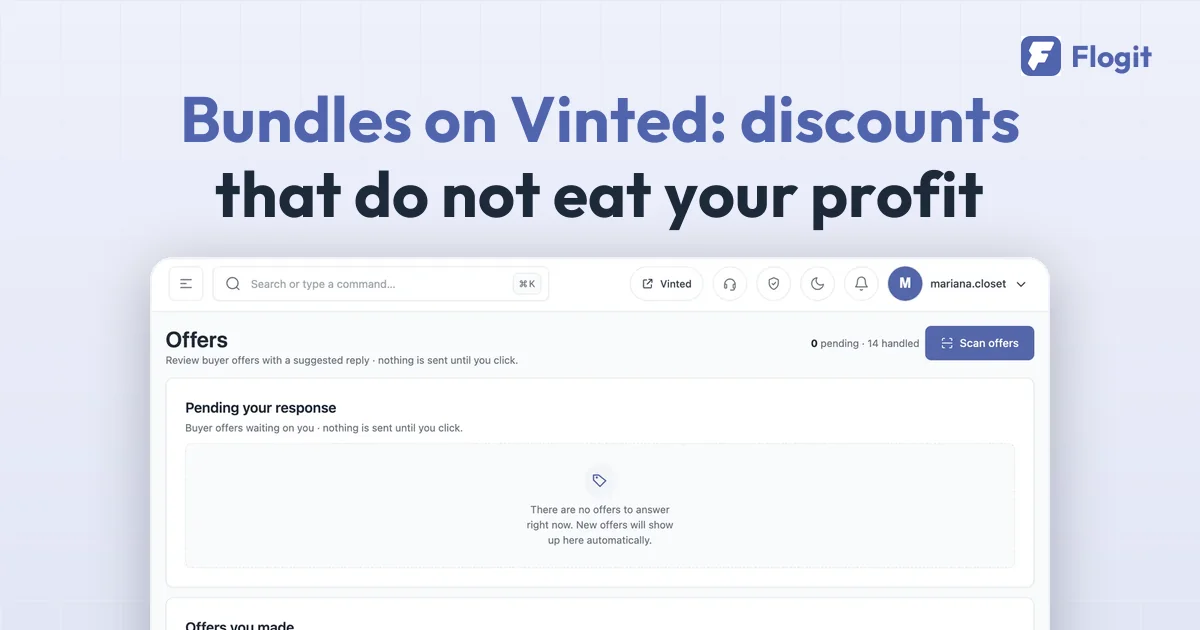
Before you accept, look at what the offer leaves you on each item, not only the total. A total that looks fine can hide one item sold at a loss.
Buyer Protection and returns on a bundle
The buyer pays the Buyer Protection fee for the whole order. Vinted's price list says the fee is worked out on the item's or the bundle's price, and that it depends partly on the order type: a single item or a bundle. Source: Vinted price list
If some items in a bundle are significantly not as described, the buyer returns only those items and keeps the rest. They get a refund only for what they send back, once you receive it and confirm it is fine. For bundles, a partial refund where the buyer keeps the item is not possible, unless the item is confirmed as counterfeit. Source: Buying a bundle
Flogit keeps the cost, fees and shipping of each sale and shows the profit per item. When a bundle sells, you see which item the discount pushed below zero, and you can set your bundle discount in Vinted with that in mind. See how it works on the sales page.
Checked against Vinted's help centre on 29 September 2026. If Vinted changes something, tell us and we will update this page.