Sending a Vinted parcel without a printer
You sold something and you have no printer at home. Often that is fine. Here is how to check what Vinted gave you, and what to do in each case.
After a sale, Vinted gives you a prepaid shipping label. It is either a file to print, or a code you show at the drop-off point. Check the instructions Vinted sends with it. If you need a printed label and have no printer, ask the drop-off point first, or ask a friend with a printer, within 5 business days of the sale.
Label or code: how to tell which one you got
After a sale, Vinted sends you a prepaid shipping label. You find it in your conversation with the buyer and in your email. Source: Shipping an item
There are two forms. A printable label is a file you print and attach to the parcel. A digital label is a QR code that you scan at the locker or the shop. Source: InPost shipping
The buyer picks the carrier at checkout. You cannot change the carrier, the label type, the address or the parcel size once the buyer has paid. Source: Shipping an item
If you got a code
With a code, you show it at the drop-off point and the carrier handles the rest. For InPost, Vinted's help page offers a printable label or a digital QR code to scan at the locker or the shop. For Evri, the label is obtained from the conversation with the buyer, and Vinted's Evri help page explains the steps for each service. Source: Evri shipping
Other carriers work in their own way. Read the instructions Vinted gives you with the code.
What to do at the drop-off point
Pack the parcel
Close it well with strong tape, and leave the largest side free for the label.
Have the code ready
Open the conversation before you leave and take a screenshot of the code, in case you lose the connection.
Show or scan the code
Follow the instructions Vinted gave you for the carrier.
Keep your proof
Keep your shipping receipt until the sale is completed. Vinted's help page says it is proof of shipping. Source: Why is the order suspended?
If you need a printed label and have no printer
First, ask at the drop-off point whether they can get the label for you. Vinted's help page also suggests asking a friend or family member who has a printer to print it. Source: Shipping label not received or not working
You have 5 business days from the purchase to send the order, so plan the printing inside that time. If you need a few more days, you can ask the buyer to extend the shipping deadline by 3 or 5 business days. The buyer can accept or decline. Source: I can't send the item on time
If no solution works, contact Vinted through the button on the help page, and attach a screenshot of the error. Source: Shipping label not received or not working
Do not use a label from another carrier. Vinted cannot track a parcel sent with a different provider, and it may cancel the order. Source: How shipping works


Remove old labels
Vinted asks you to remove any old labels before you send the parcel, so the right barcode is scanned. Source: Packing an item
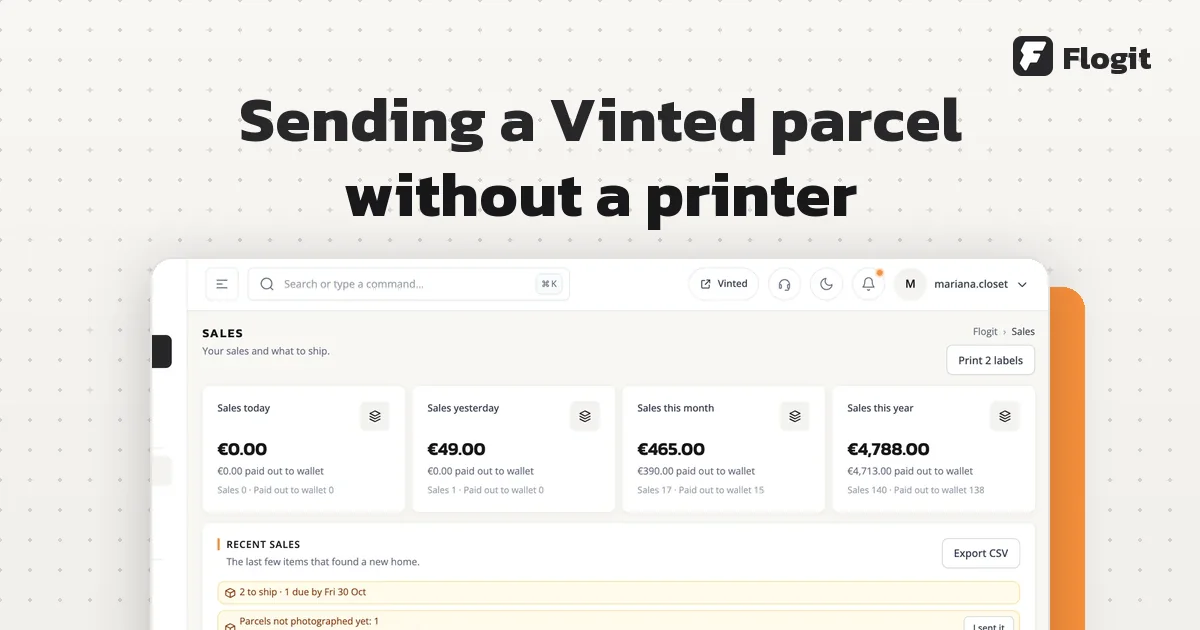
Flogit can print a shipping label with a packing slip in the buyer's language, on the same print. You still pack and post the parcel yourself. Read more in Flogit.