How to spot a scam on Vinted
Most scams aimed at sellers look different but work the same way: they try to get you out of the Vinted app. Here are the usual tricks, and what Vinted itself tells you to do.
Keep the chat, the payment and the shipping inside Vinted. Only ship with the label Vinted gives you for that order. Never type your login or bank details into a link someone sent you, because you never need to leave Vinted to get paid.
The one rule behind every other rule
A scammer cannot do much while you stay inside Vinted. The chat is recorded, the buyer pays Vinted, and the label goes to the address on the order. So almost every trick starts with the same move: a reason to go somewhere else.
That somewhere else can be WhatsApp, an email address, a payment link, a QR code or a fake login page. The details change. The move does not. If a message tries to take you out of the app, treat it as a warning sign.
A buyer wants to pay or chat outside Vinted
Some buyers ask for your phone number, your email or your bank details. Some offer to pay by bank transfer to skip the fee. Vinted tells its members to keep every conversation inside Vinted and to pay with the Buy now button. If the payment happens outside, Buyer Protection does not cover it and Vinted says it cannot help. Source: How to shop and pay safely
That warning is written for buyers, but it hurts sellers too. If something goes wrong with a sale done outside the app, you have no order, no tracking tied to Vinted and nobody to step in. Say no politely and point the buyer to the Buy now button.
Fake Vinted emails, texts and messages
This is the most common trick. You get an email or a text that looks like Vinted. It says you must confirm a sale, verify your account or receive your money. It has a link or a QR code. The page behind it asks for your login or your card. Vinted calls this phishing.
Vinted lists the signs to look for:
- Urgent words, a time limit or a threat, such as your account being blocked.
- A sender address with extra letters or numbers, or a page with slightly wrong colours.
- A request to scan a QR code or to share personal details in a message.
- Anything that asks you to leave Vinted to confirm a payment.
Real emails from Vinted come from an address that ends with Vinted's own domain, such as @vinted.com or @vinted.co.uk, depending on your country. Inside the app, the official Vinted account has a special badge next to its name. Vinted also says you do not have to leave Vinted to confirm a payment or receive an order. Source: Recognize spoof and phishing messages
Close the email and open the Vinted app yourself. If the sale, the payment or the problem is real, you will see it there. If it is not in the app, it is not real.
The buyer says they paid and asks you to check your email
A buyer tells you the money is waiting and sends you to an email or a link to collect it. There is nothing to collect. When a buyer pays through Vinted, the sale shows in your app. Your money goes into your Vinted balance once the buyer receives the item and confirms that everything is OK. If the buyer does not confirm, it is released 2 business days after the order closes. Source: Seller's safety and support
Paying through Vinted also means the buyer never sees your bank details. You never need to give them to anyone to get paid.
A different address or a different label
Another trick is a buyer who asks you to send the parcel to a friend, to another country, or with a carrier they pick. Vinted's advice is clear: always use the shipping label that was bought for the order. Once the label exists, you cannot swap it for another carrier's label. Source: Shipping label not received or not working
If a buyer really gave the wrong address, the fix also stays inside Vinted. You cancel the order with their agreement, list the item again, and they buy it again with the right address. The Vinted label cannot be used to send the parcel somewhere else. Source: Delivery address is wrong
How to report a scammer
Reporting takes a minute and helps the next seller. To report a message:
Open the chat
Go to the conversation with that member.
Tap the info symbol
It is the small i in a circle, in the top right corner.
Choose Report
Pick the reason from the list, for example scamming or phishing.
You can report a profile the same way, from the three dots on the member's profile. Source: Report a member or listing
For a fake email, forward it to [email protected]. If you shared anything, use the Contact us button in the help centre and add screenshots, the username and the sender.
What to do if you already clicked a link
Do not panic, but act fast. Vinted's advice comes down to these steps:
- If you typed card or bank details, call your bank and freeze the card.
- Change your Vinted password, and the password of any account that uses the same one.
- Turn on two-step verification.
- Check your login activity and sign out any device you do not know.
- Check that your email address and your withdrawal details have not been changed.
- Contact Vinted through the help centre. If money was stolen, also go to the police.
If Vinted confirms that your account was taken over, it locks it for a while to protect it. If you cannot sign in at all, try the password reset first, then contact Vinted. Source: Report a hacked or compromised account
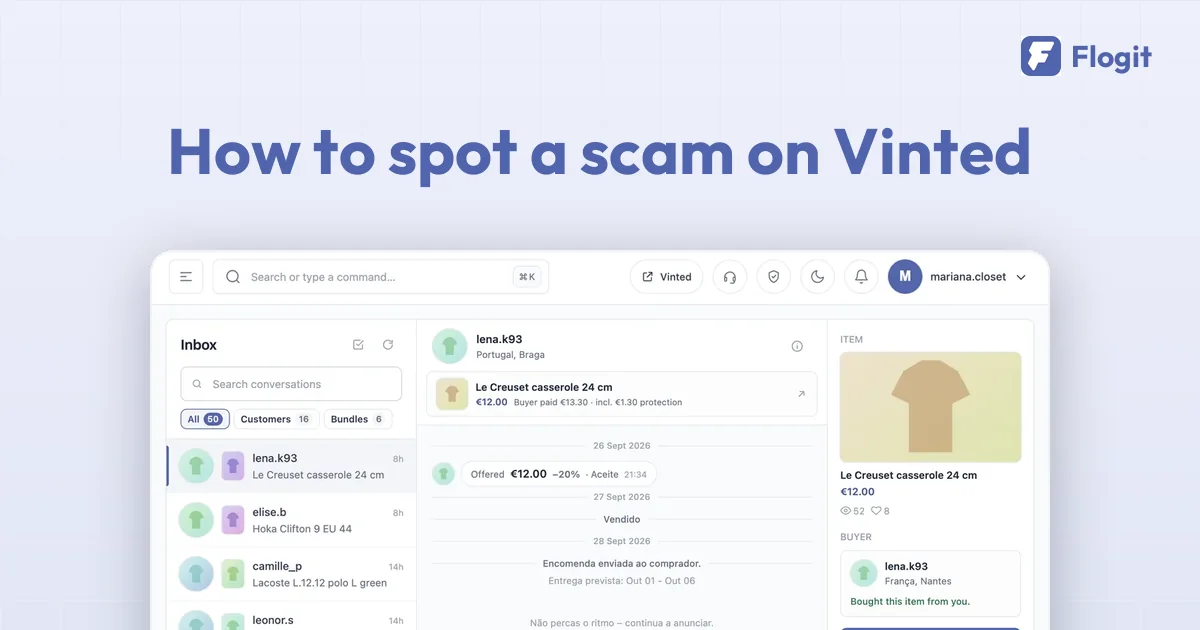
Flogit never asks for your Vinted password and never sends a message by itself. It shows each chat next to the item and the buyer, so an odd request is easier to spot, and a suggested reply only goes out when you click. We explain it in Messages.
Checked against Vinted's help centre on 29 September 2026. If Vinted changes something, tell us and we will update this page.